


How to record lectures
Recording class lectures is the best method to ensure you get all the necessary information. It’s easy to listen so specific parts again, in particular when you miss anything or can’t follow the topic right away. Recording a lecture gets you the full information and enables you to go over all the details and explanations of the professor in your own time and at your pace.
Using a recording device to record lectures:
1. Test the sound quality of your audio recorder
Before you start recording college lectures, you should take the time to test your new equipment. Record your voice from different angles and distances, to check out what works best.
- test how close you can be to the speaker, so your audio doesn’t get distorted if the microphone is set at a too sensitive setting.
- If possible you should do the tests in the room of the lecture, this way you know how the specific room influences the quality of your recording.
- Additionally you can try to make a sound check with your professor, usually at the beginning of a class there is always some time to do some short testing before the actual lecture starts. However you should not disturb the lecture.
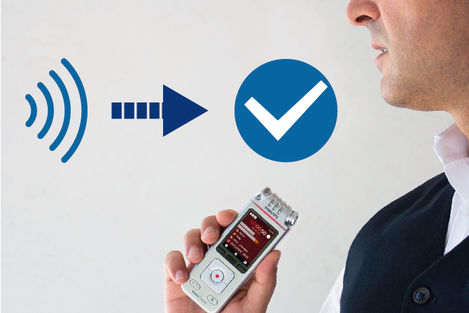
Testing the sound quality of your audio recorder before recording lectures
2. Sit as close to the speaker as possible
The best way to record lectures is usually as close as possible to the speaker. The closer the recorder is, the better are your changes that you record lectures without any unwanted noises, typing noises or loud coughs in the classroom.
- If you can’t place the recorder close to the speaker, you should aim for the front rows or seats and have the recording device in front of you.
- Consider where the microphone of your device is and point the microphone for recording lectures in the direction of the speaker to get better results.
- Use the right settings: Many recorders have different settings, look if there is a lecture setting and use his one to get the best audio quality.
3. Ask for permission
Not every professor approves of recordings. You should always check if you’re allowed to record the professors lectures and not just assume its permitted. This way you avoid a negative impression. You don’t want to be that one person the professor remembers for disturbing the class, especially not if there is an oral presentation or exam further down the line.
- If you’re allowed to record a lecture, you should always be respectful.
- Before you start recording college lectures, place the recorder in front of the professor before he starts, so don’t be late! Turn off any noises or background lights, especially in low lit rooms, so you don’t disturb the presentation.
4. Always charge your batteries before use
You don’t want to record only half of the lecture. The best way to record lectures is to make sure to charge your audio recorder, especially when you plan to record class lectures for the whole day.
- Get a device with a build in rechargeable battery so you don’t have to buy new batteries all the time.
- Bring a fitting USB cable, this way you can charge your recorder if you run out of battery.
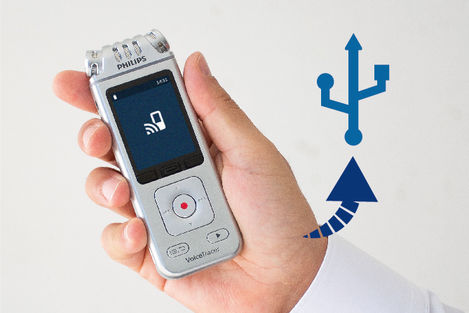
Always charge your batteries before recording lectures
5. Choose a device with enough storage space.
If you spend a lot of time at university or in class, you don’t want to run out of storage space. Make sure to choose an audio recorder that offers enough capacity, so you can record a full class lecture or multiple lectures.
- Its recommended to make backups of your files every day, so you don’t lose any recorded class lectures. Use your PC to listen to files, this way you don’t overwrite or delete your files accidentally.
- This helps you to save up on storage, since you can delete the files after you transferred them to your computer.
- Rename the files after you copied them onto your PC, this way you can find any needed information fast and easy later.
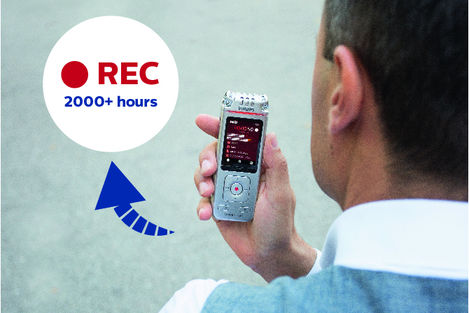
Choose a device with enough storage space when you recording lectures