




Streamline your workflow
with direct file upload via WiFi
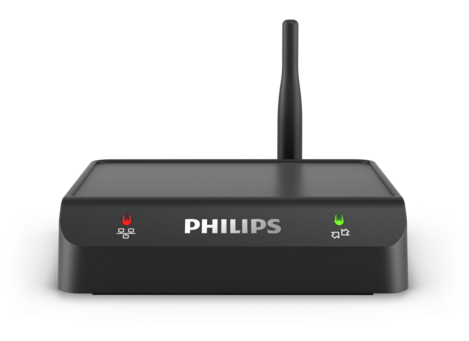
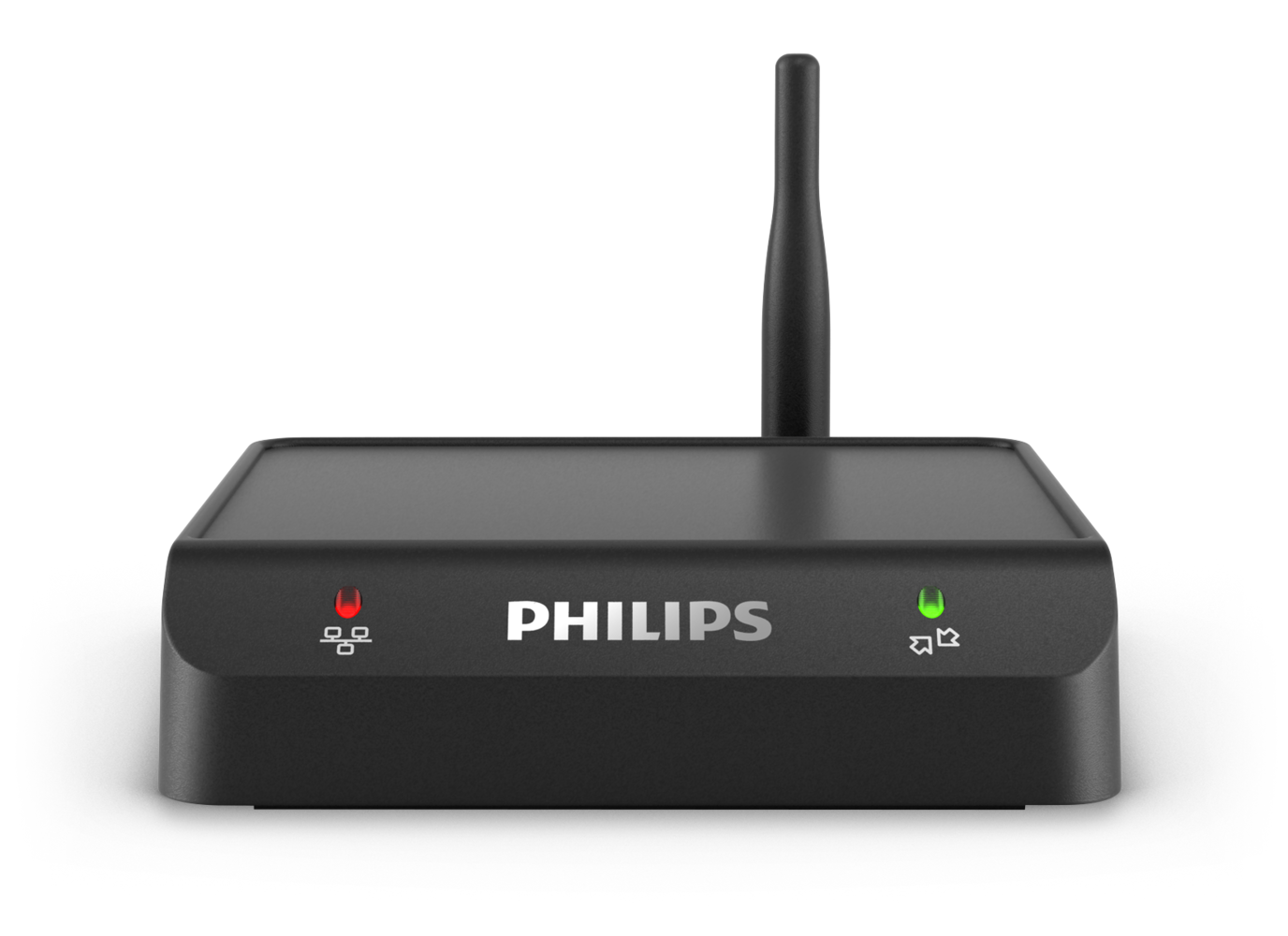
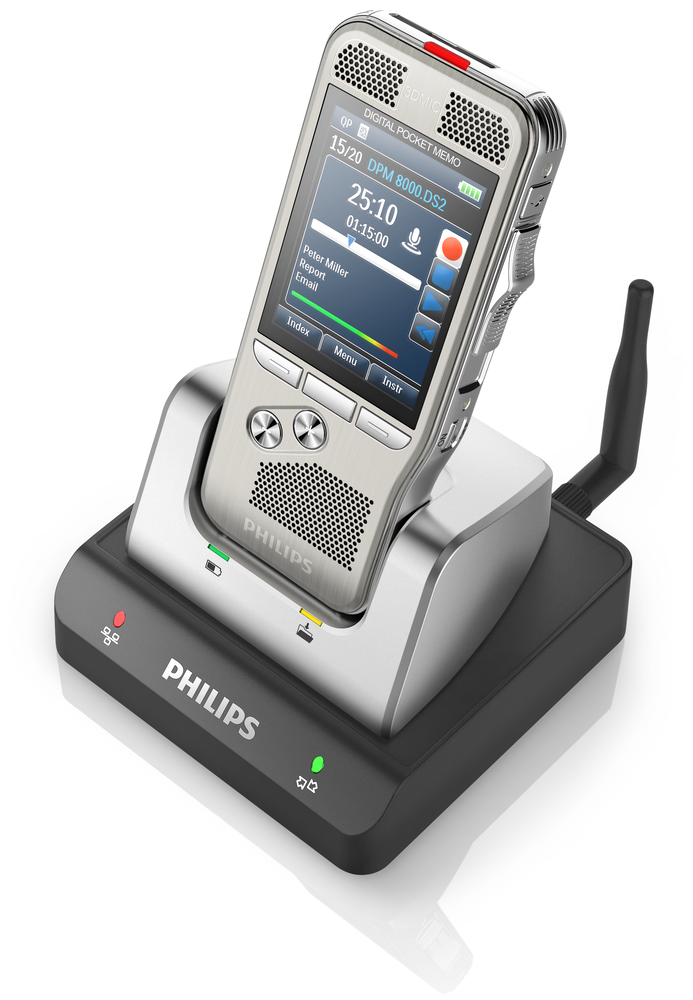
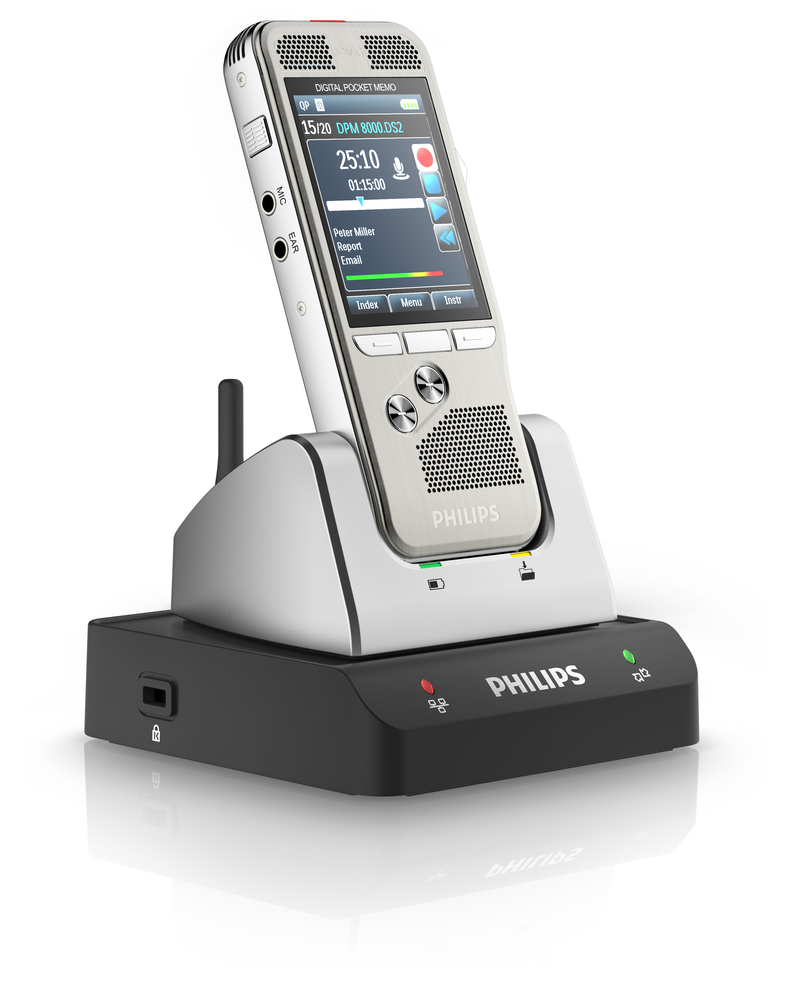
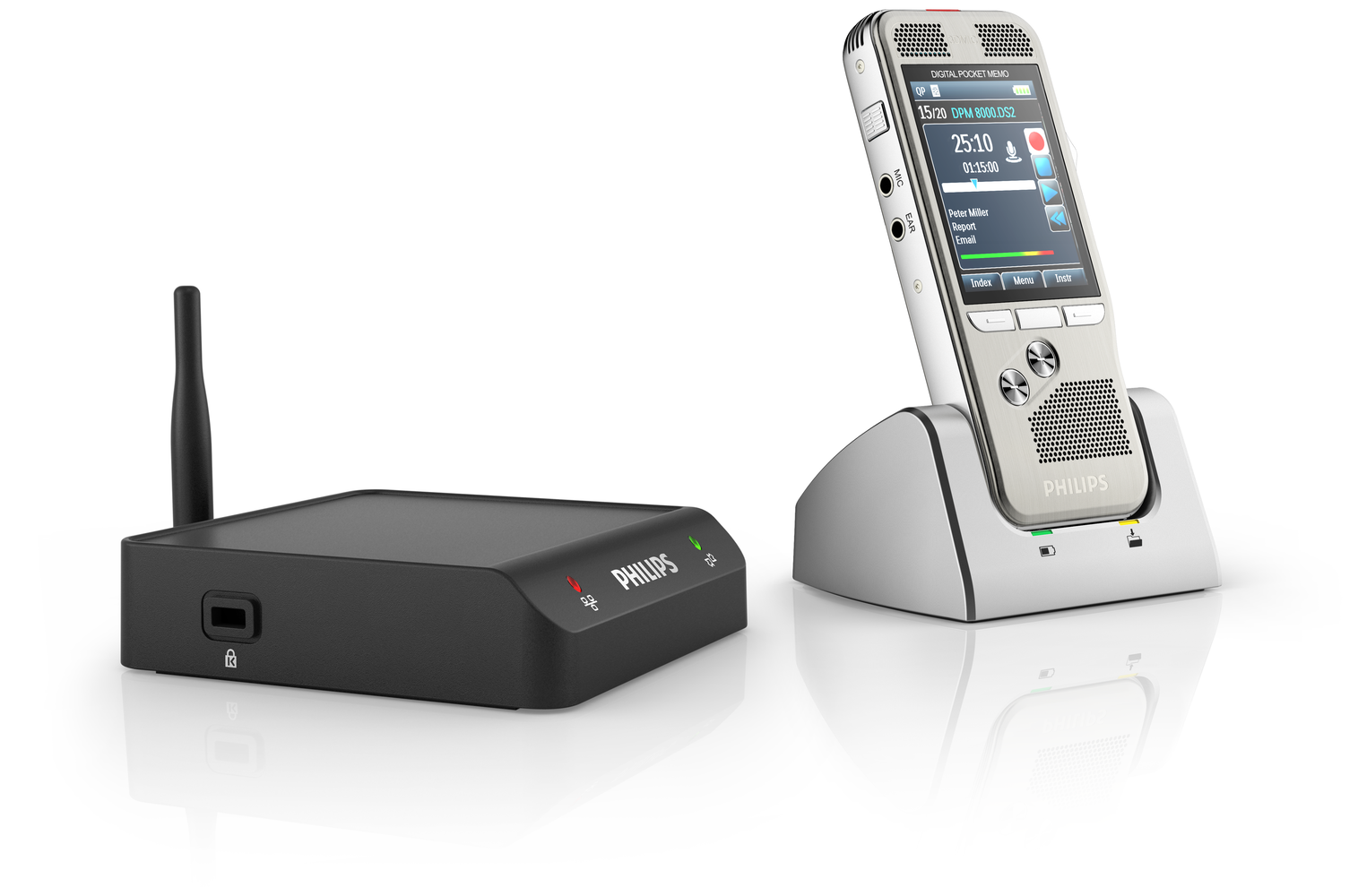
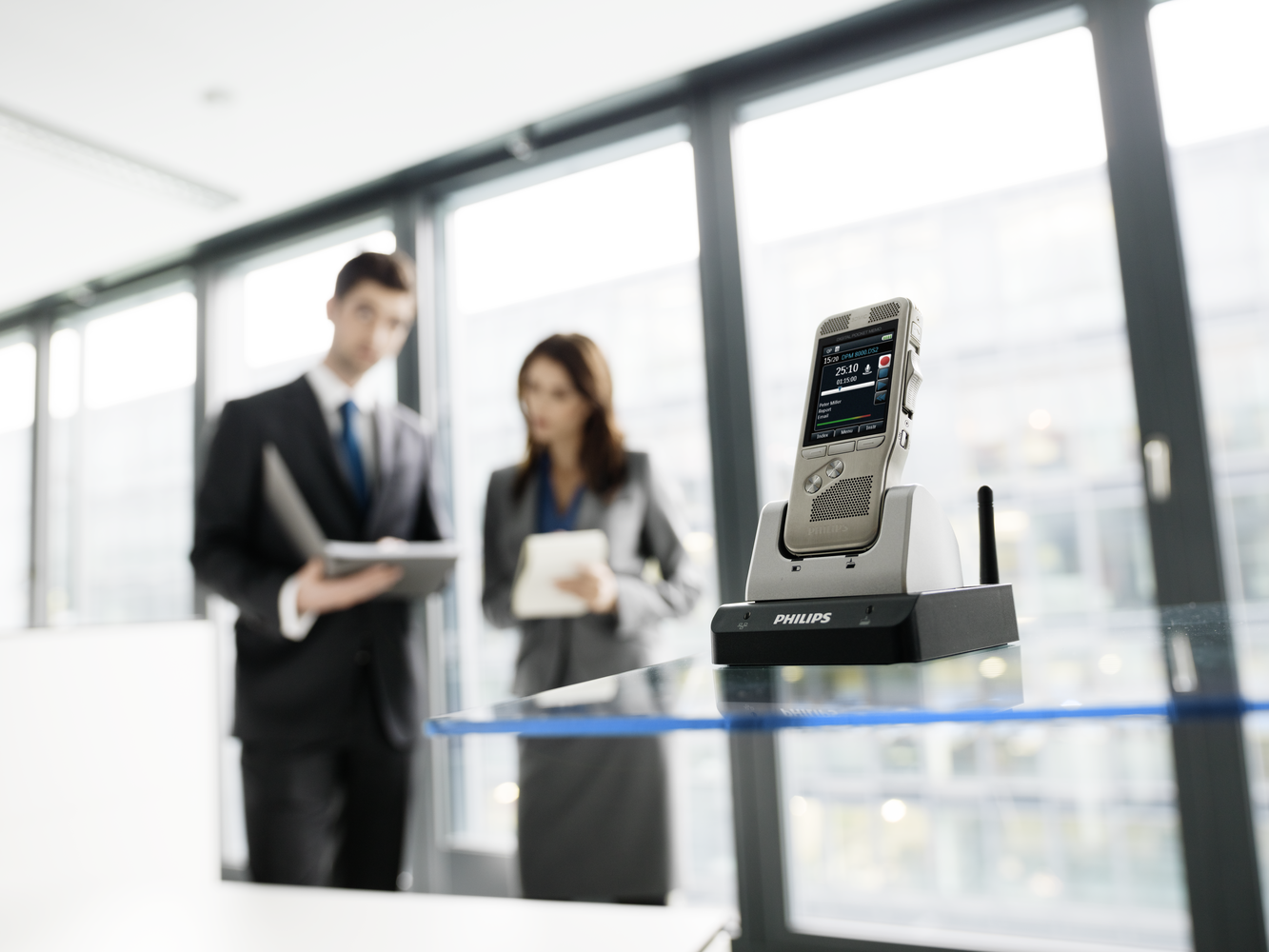
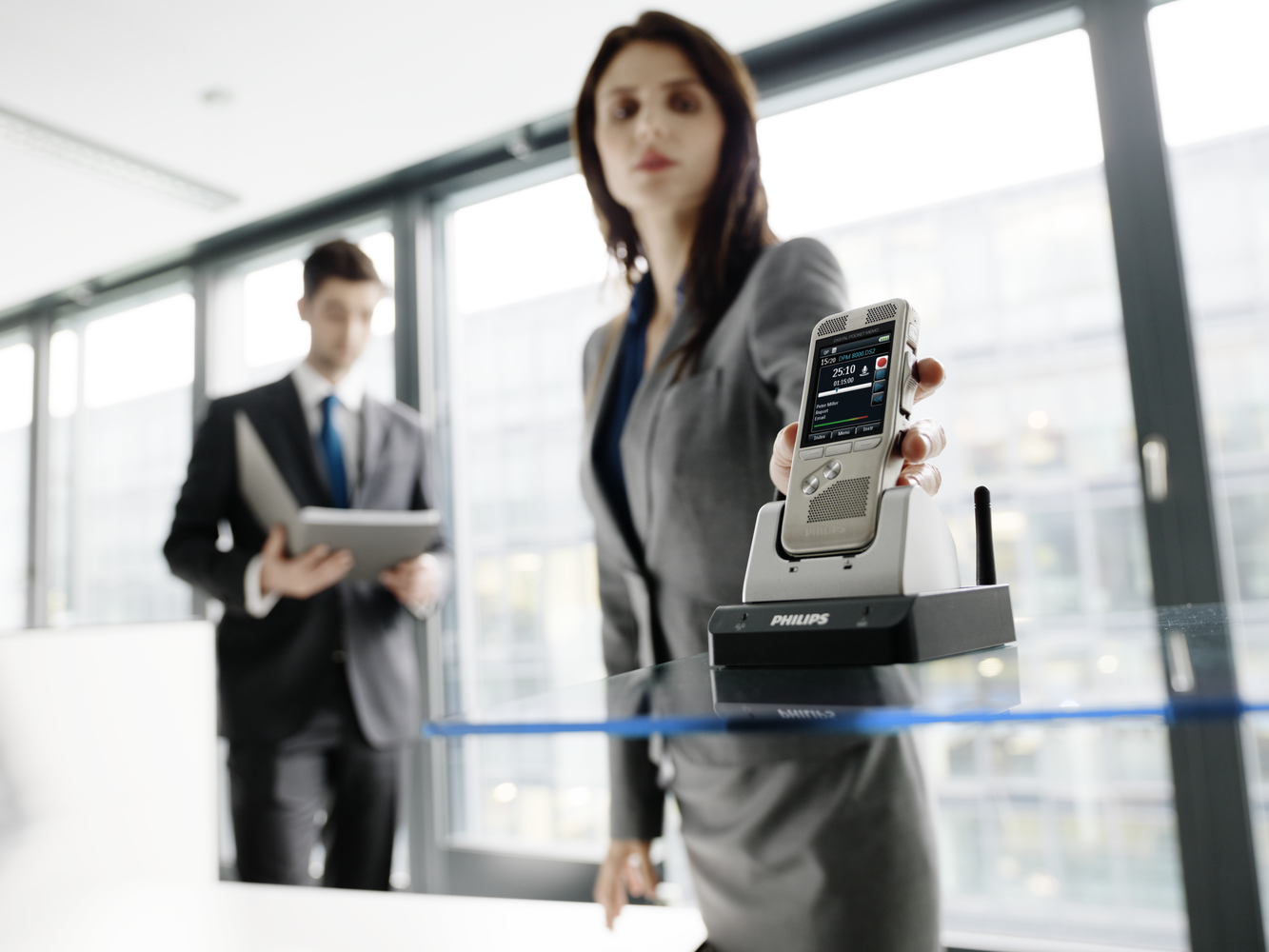
The innovative Philips WLAN adapter instantly sends your files from the dictation recorder to your transcriptionist. Just dock the recorder to upload your dictation files directly to the company network using built-in WiFi. Administrators can easily deploy automatic firmware updates for PocketMemo dictation recorders via an easy Web browser interface.
Features
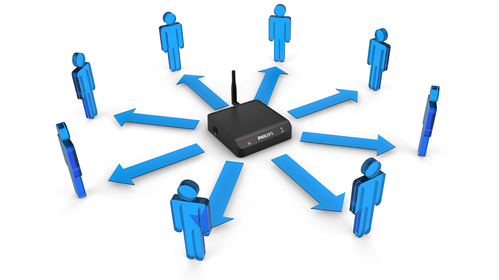
Direct file upload from the recorder to the network for faster turnaround time
Just dock your dictation recorder into the WLAN adapter and enjoy the easiest way to transfer your dictation files in seconds to the transcriptionist.
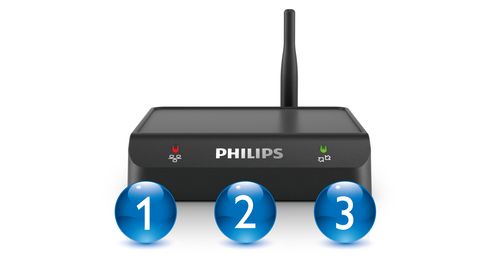
Seamless and simple use with no user configuration or training required
The WLAN adapter is simple to use and requires no end-user training or configuration. Users just dock their recorder to upload dictation files.
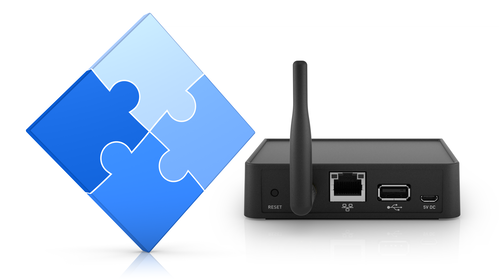
Easy implementation without investment in additional hardware
The average annual maintenance costs for a PC are four to seven times the acquisition costs. In contrast, WLAN adapters are easy to deploy and manage, reducing your IT maintenance costs.
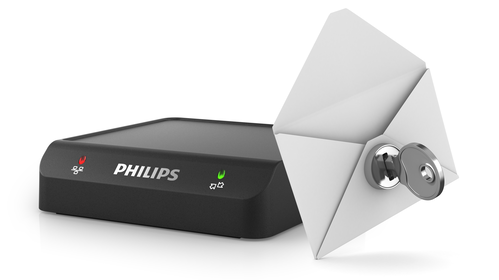
Wireless security features and FTPS support for secure file transfer
End-to-end encryption with DSS file encryption and secure FTP transfer as well as wireless industry-standard security features ensure that sensitive information remains confidential. Having no local storage capability, the WLAN adapter is not vulnerable to viruses or other malicious software. File upload is limited to dictation sound files (.dss/.ds2, .wav, .mp3), thus prohibiting that the WLAN adapter is used to upload harmful files to the network.
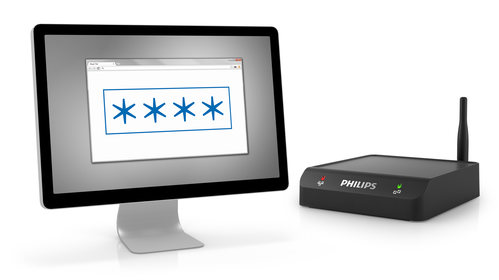
Password protection for safeguarding configuration access
The configuration interface is password protected for safeguarding device configuration from unauthorized access.
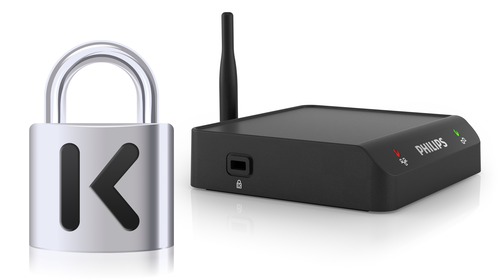
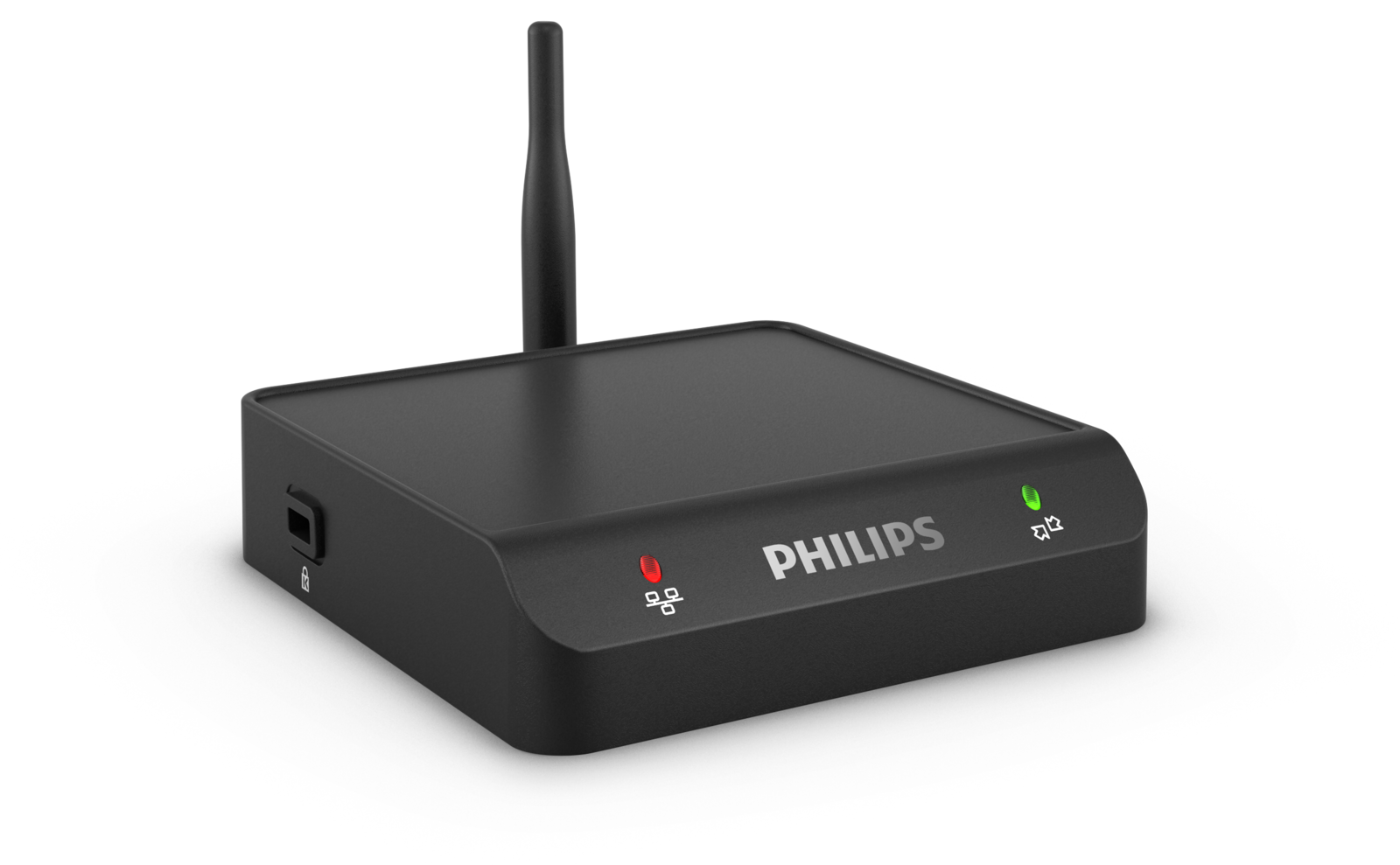
Kensington security slot for theft protection
Use the Kensington lockdown equipment to secure the adapter to a desktop or other surface, protecting it against theft.
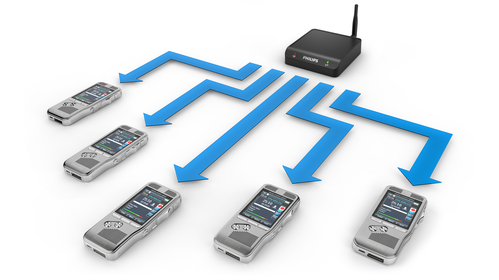
Automatic firmware updates for dictation recorders for efficient device management
Deploy automatic firmware updates for Philips Pocket Memo dictation recorders. The firmware will be updated automatically the next time the recorder is connected to the WLAN adapter.
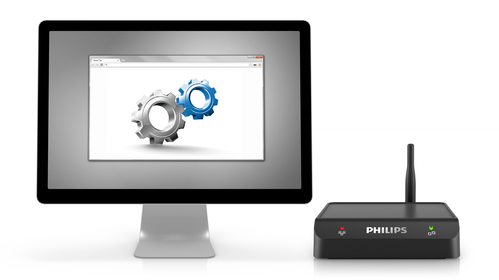
Web browser interface for easy and quick setup and configuration
The streamlined configuration interface can be accessed via Web browser, making it is easy to use without any software installation.
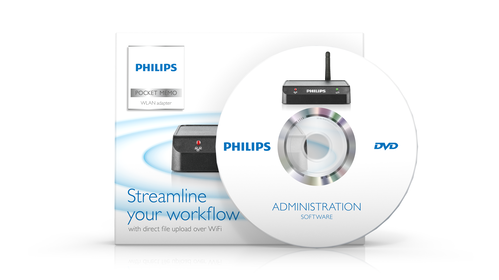
Optional administration software for remote management of multiple WLAN adapters
Use the optional administration software to manage and update multiple WLAN adapters remotely. Get a quick overview of the status of the WLAN adapters connected to your network and update configuration and settings from a centralized user interface.
Enter your software serial number
The VoiceTracer Speech Recognition Software only works with Philips VoiceTracer Audio Recorders. To download the installation file, enter the serial number, then click Download.
Find your serial number
The serial number can be found on the quick start guide in the product packaging.
Connectivity
- USB:
- for PocketMemo digital dictation recorder
- Micro USB:
- for DC 5V power supply
- LAN Ethernet:
- 10/100 Mbit/s
- WLAN antenna connector
Compatibility
- Philips PocketMemo dictation recorder:
- DPM8000 series, LFH9600 series
- Philips PocketMemo docking station:
- ACC8120, LFH9120
WiFi standards
- IEEE 802.11b
- IEEE 802.11g
- IEEE 802.11n
Security
- Wi-Fi Protected Access (WPA/WPA2)
- Kensington security slot
LEDs
- LAN status
- Recorder status
Power
- Power supply:
- 5 V DC / 1800 mA
- Power consumption:
- 500 mA (without connected recorders)
System requirements WLAN adapter
- FTP or FTPS server with a user account for the WLAN adapter
- DHCP server (recommended)
System requirements administration software
- Processor:
- Pentium 4, 1 GHz or equivalent processor
- RAM memory:
- 1 GB
- Hard disk space:
- 10 MB for the administration software, 850 MB (32 bit) / 2 GB (64 bit) for Microsoft .NET Framework
- Operating system:
- Windows 8/7/Vista (32/64 bit), Windows Server 2008/2008 R2/2003 SP 2
- Microsoft .NET Framework 4.0
- Microsoft Windows Installer 3.1
- LAN connection
Operation conditions
- Temperature:
- 5° – 45° C / 41° – 113° F
- Humidity:
- 10 % – 90 %, noncondensing
Green specifications
- Compliant to 2011/65/EU (RoHS)
- Lead-free soldered product
Dimensions
- Product dimensions (W × D × H):
- 100 × 100 × 25 mm / 3.94 × 3.94 × 0.98 inches
- Net weight:
- 270 g / 10 oz
Package contents
- WLAN adapter
- Power supply
- Ethernet cable
- USB cable
- Micro USB cable
- WLAN antenna
- Quick start guide
Manuals and documentation
- Quick start guide English (793 KB)
- User manual English (2.1 MB)
- EU Declaration of Conformity English (193 KB)
Software and drivers
Marketing & sales material
- Leaflet English (776 KB)