


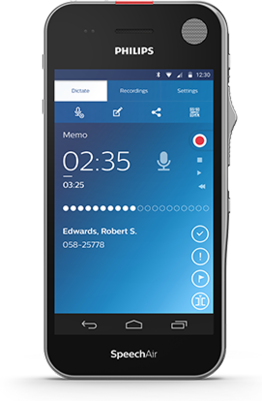








Smart recording on the go
with Wi-Fi and three professional microphones
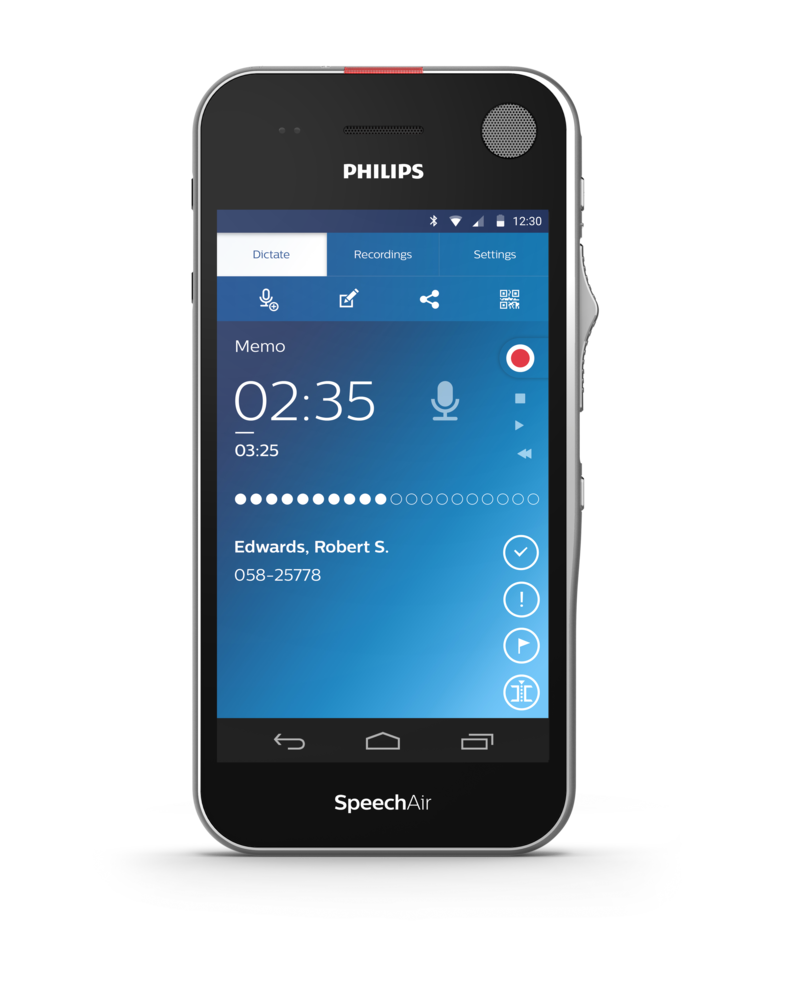
The SpeechAir Smart Voice Recorder saves you time and resources by allowing you to work more flexibly than ever before. Integrated Wi-Fi functionality facilitates quick file download from any network. Recordings are encrypted in real time for maximum data security. The device also features three microphones dedicated to outstanding voice recording quality.





Features
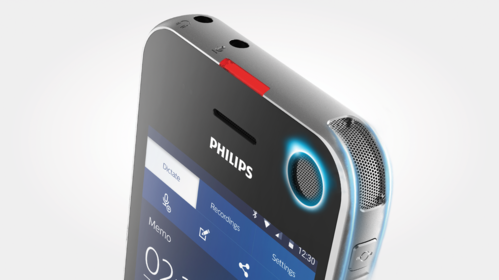
Three dedicated microphones for optimized voice recording
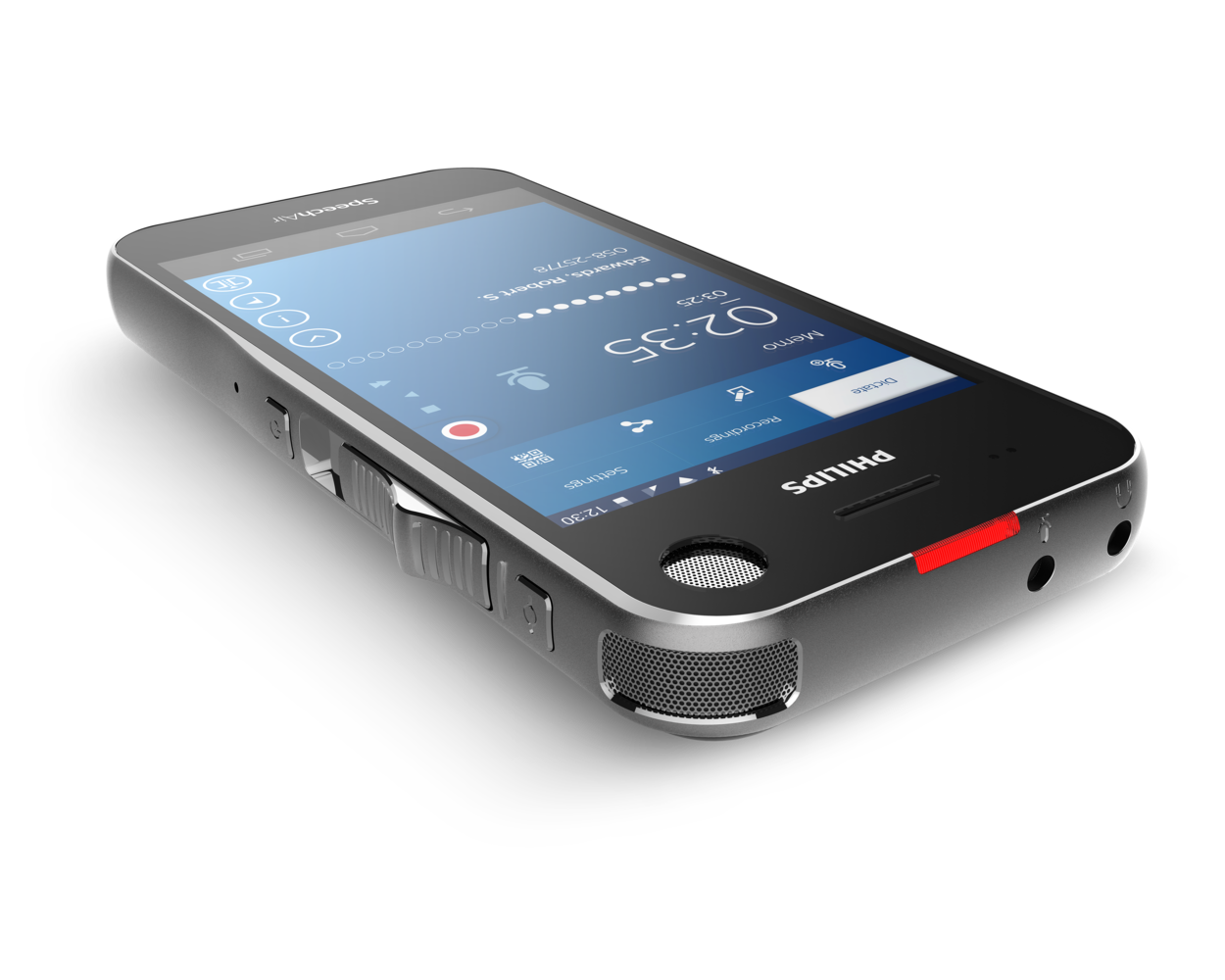
Three professional microphones deliver ultimate sound quality in any recording situation. The 360° microphone is ideal for recording dictations and meetings. The direction microphone is best suited for noisy environments. For VoIP telephony the SpeechAir uses a dedicated microphone.
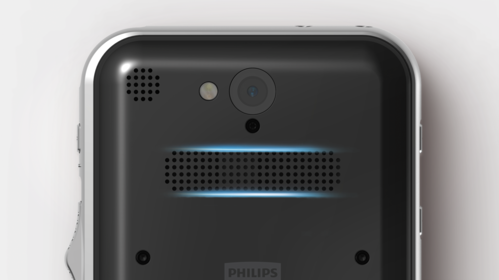
Large speaker for crystal clear audio playback
The large speaker allows you to playback your recordings in crystal-clear audio quality.
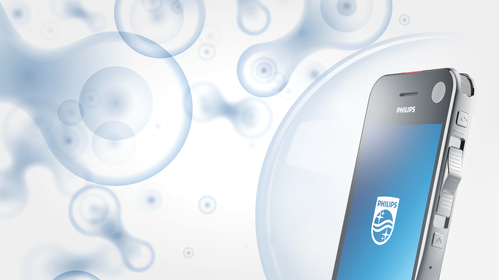
Gorilla glass touch screen and shockproof, hygienic housing for durability
Gorilla glass makes the device scratch and shock resistant. The device is shockproof according to US military standard 516.6. The hygienic surface of the housing physically hinders the colonization of germs and thus improves the efficiency of the usual measures for disinfecting the device.
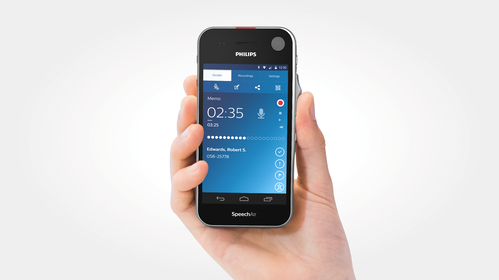
Wear-free slide switch and function key for ultimate usability
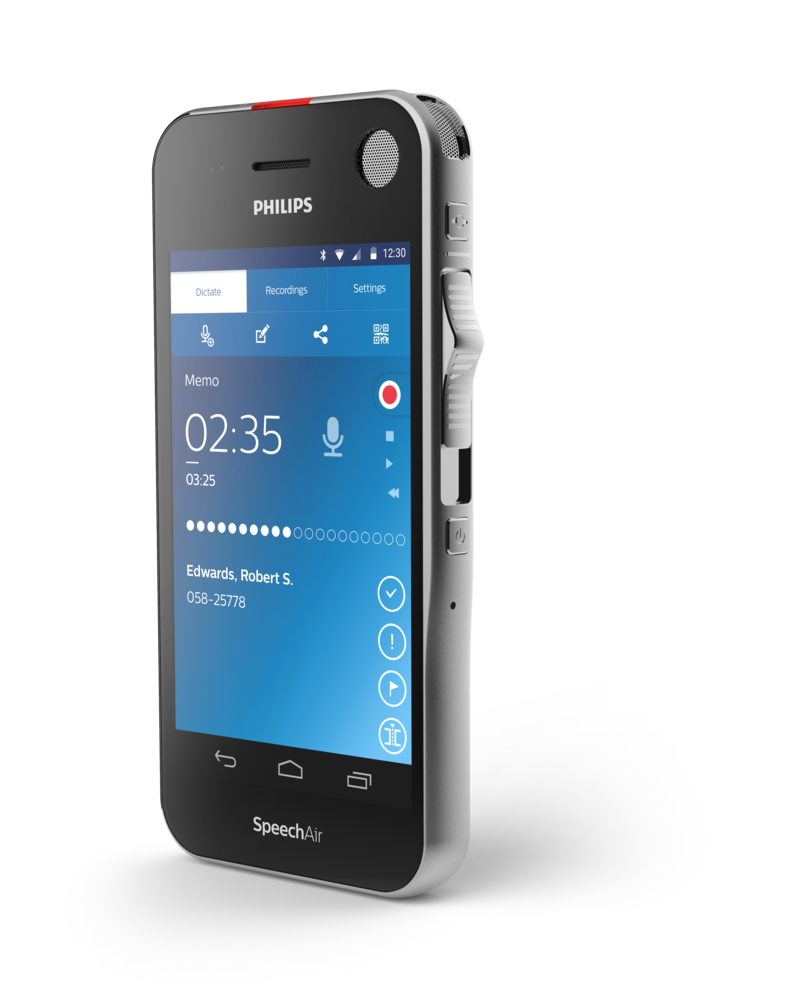
The ergonomic and wear-free slide switch is designed for efficient single-handed operation without having to look down at the device. It allows for quick and easy dictation handling (play, pause, stop, fast forward, fast rewind). A customizable function key above the slider gives quick access to the dictation app.
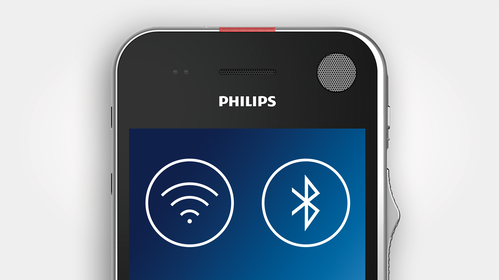
Wi-Fi, LAN, Bluetooth, USB and VoIP to stay connected anywhere you go
Save time by transferring your finished recordings wirelessly to your transcription staff and directly access patient or client data. Use Wi-Fi for VoIP calls and access your emails and calendar. Use Bluetooth to send and receive data or to connect external speakers.
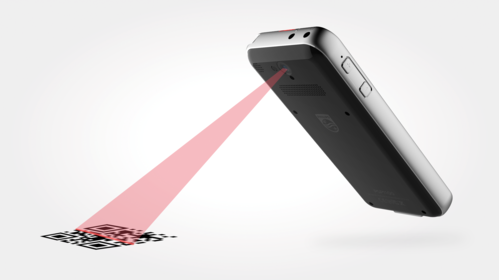
Barcode scanner and camera for quick file association
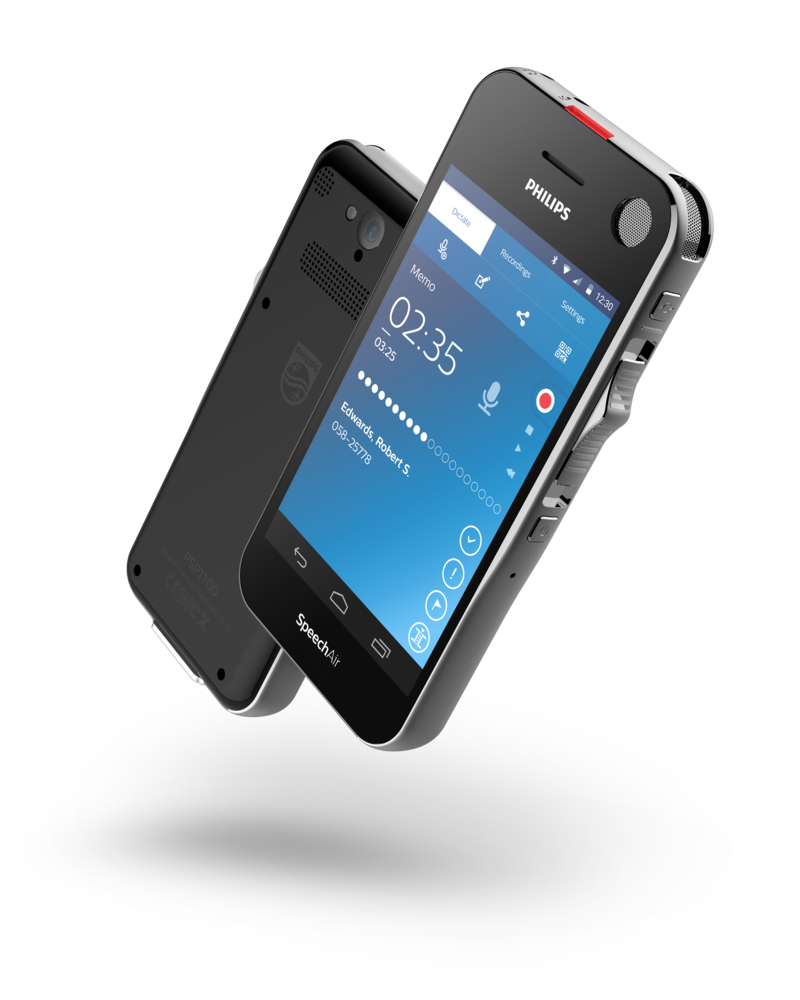
The camera allows you to conveniently attach photos supporting your dictations. It can also be used as an integrated barcode scanner linking patient and client data to a recording.
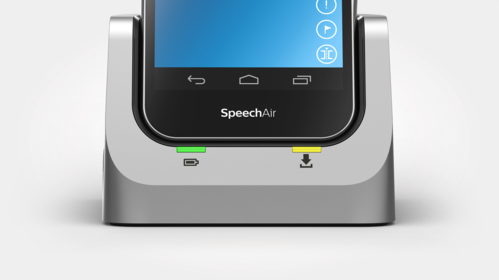
Docking station for fast battery charging
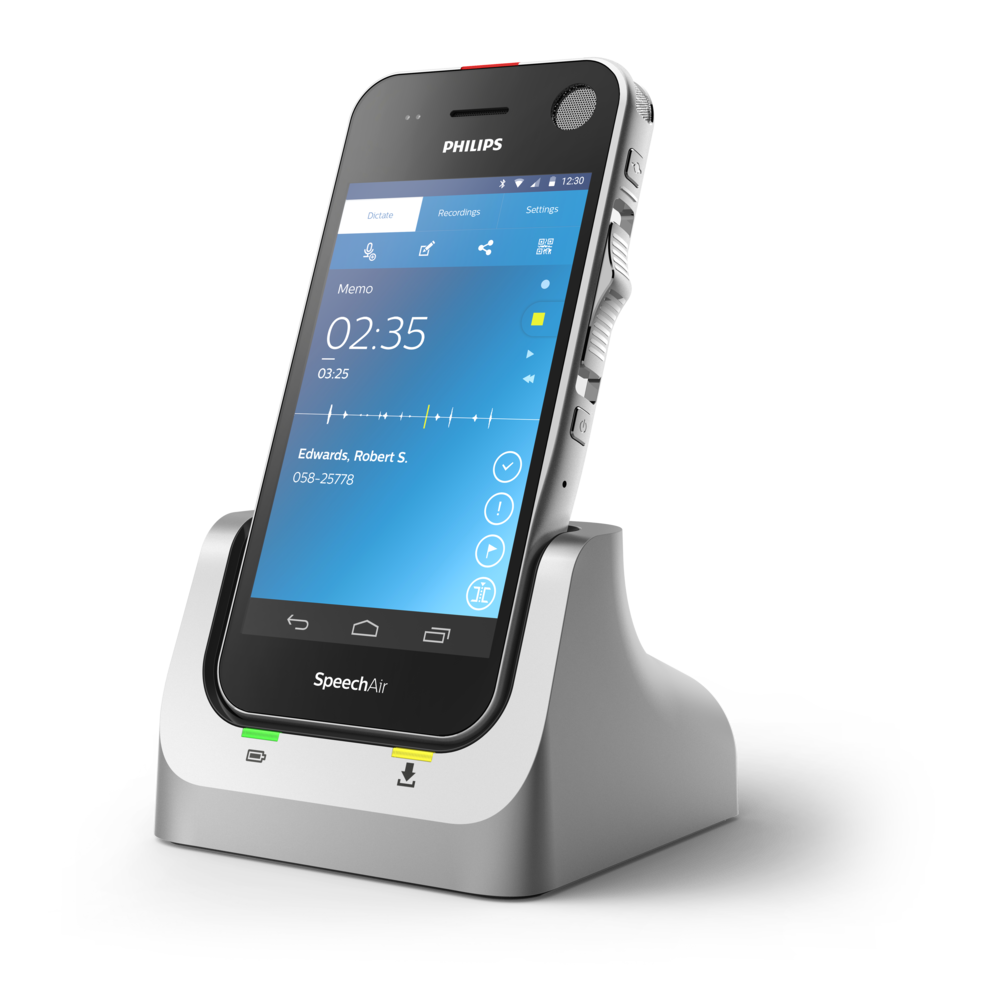
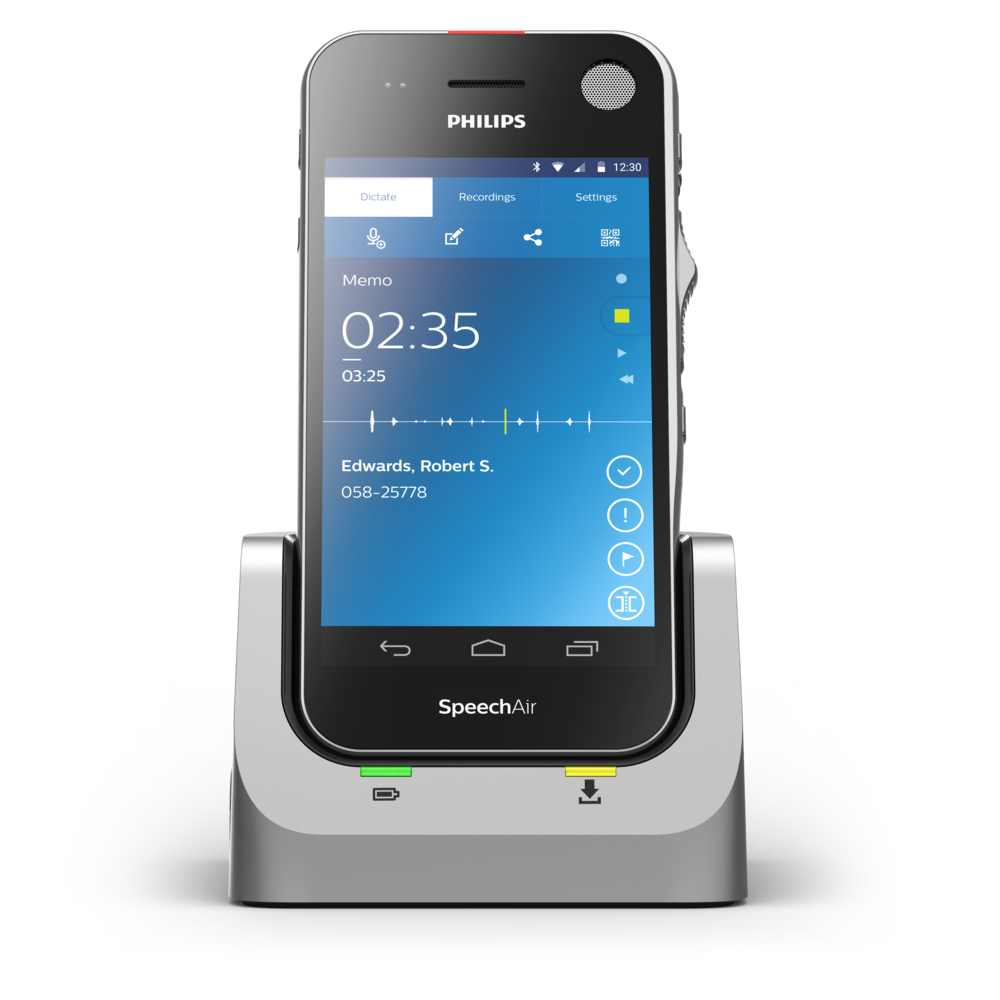
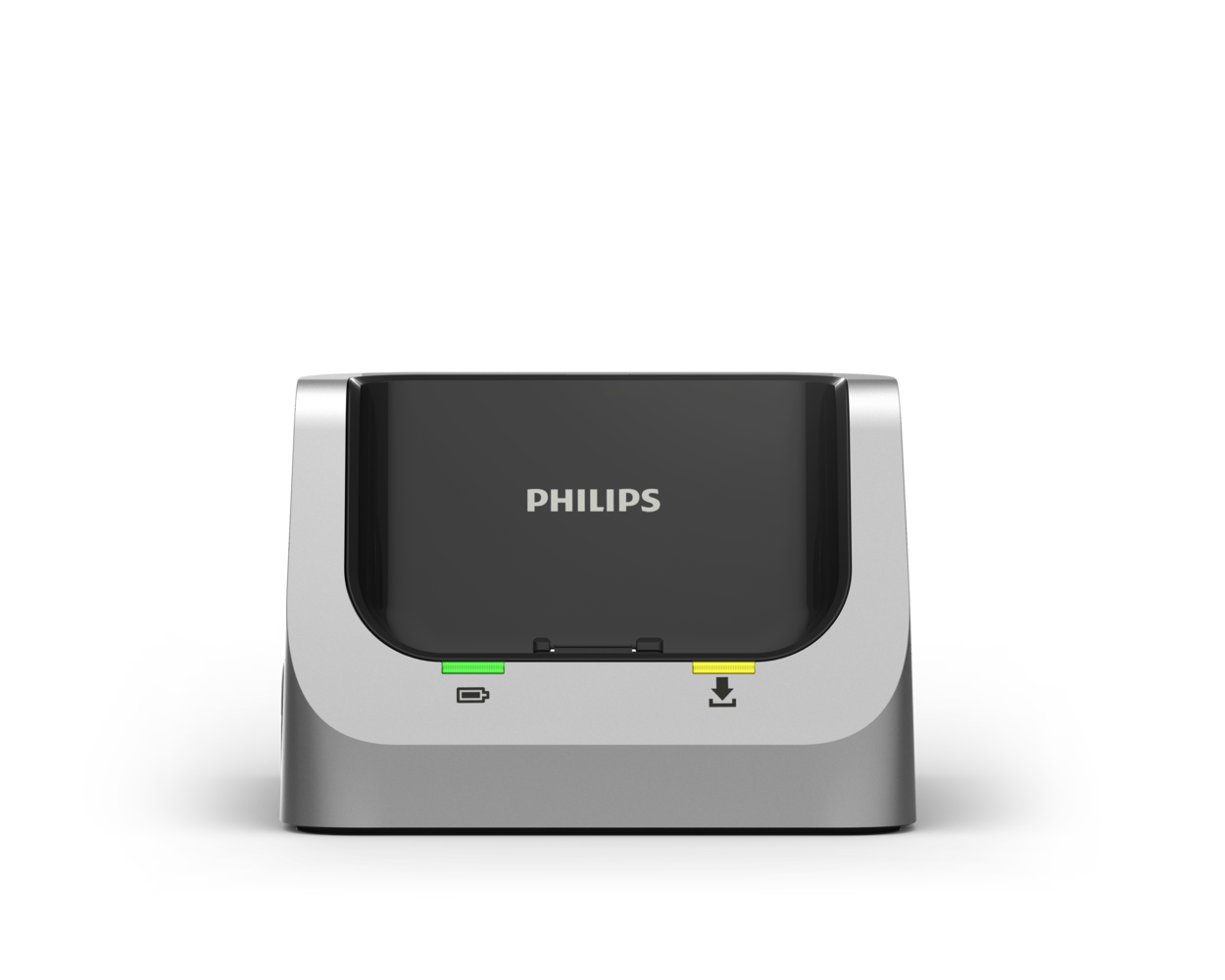
The docking station with an anti-theft system (Kensington lock) automatically transfers all your recordings to your computer and quickly re-charges your device. The LAN connection allows you to transfer your files directly from the docking station without a computer.
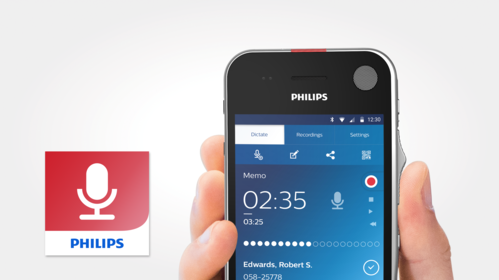
Philips dictation recorder app with professional dictation features
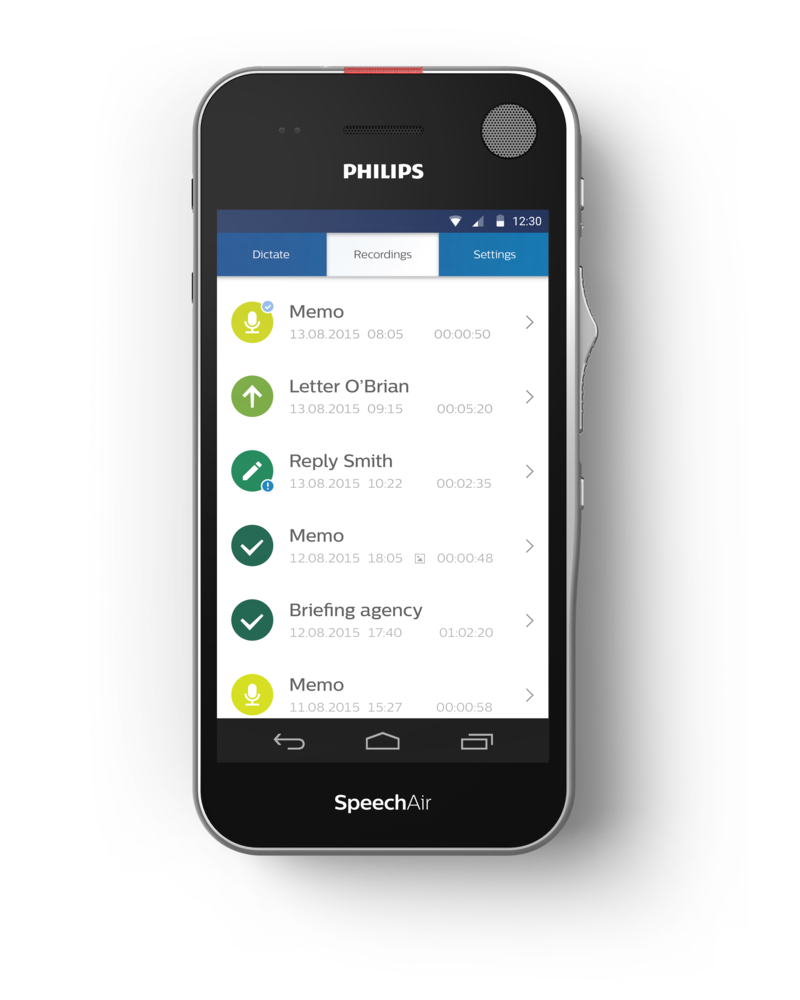
The integrated recorder app comes with professional dictation features such as editing modes, priority, EOL flag, enhanced data and dictation list as well as sending options (to network folder, Philips SpeechLive services or email recipients).
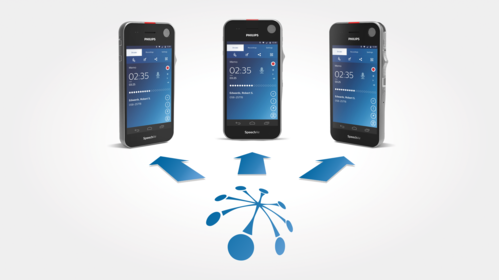
Optional remote administration for hassle-free central administration
Optional remote administration using Philips Remote Device Management software allows IT administrators to manage, configure and update dictation hardware centrally, saving valuable time and resources
File encryption for maximum data security
Recordings are encrypted in real time using the Advanced Encryption Standard (AES) 256bit, which has been approved in the USA for the most highly classified government information. A PIN code protects the device against unauthorized use. Settings can be locked, for instance connection to Wi-Fi networks can be restricted.
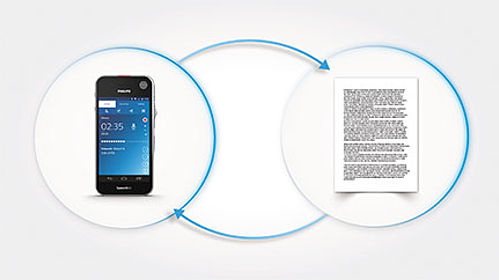
Dictation software for an efficient workflow
SpeechAir also comes with Philips SpeechExec Pro Dictate software for an efficient and streamlined offline office workflow (PSP1200). The Philips SpeechLive service transfers your dictation workflow to the cloud and features online speech recognition and a transcription service. (www.speechlive.com)
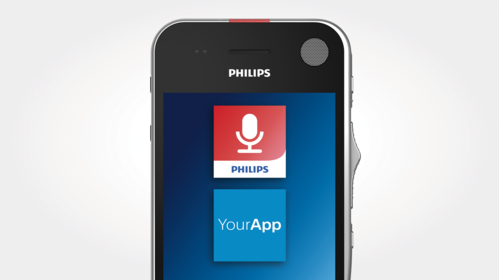
Software development kit (SDK) for SpeechAir customized app creation
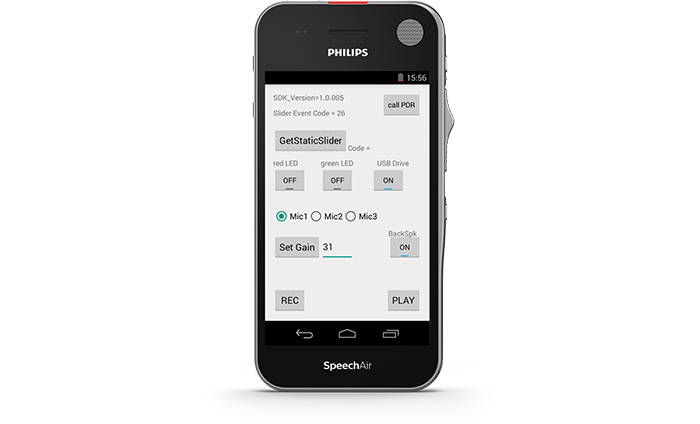
The software development kit (SDK) allows you to customize your existing app to use the different microphones, speakers, slide switch, function key, microphone sensitivity and LED.
Hardware SDK for seamless integration into your own workflow solution
The Hardware SDK allows the integration of SpeechAir into other workflow solutions, such as hospital information systems (HIS) or law practice management software. This allows for example access to patient and client data directly on your SpeechAir to achieve a smother workflow.
Android OS for intuitive use and app installation
Android is a secure and intuitive operating system which allows you to install apps on your SpeechAir and have all important applications on one single device.

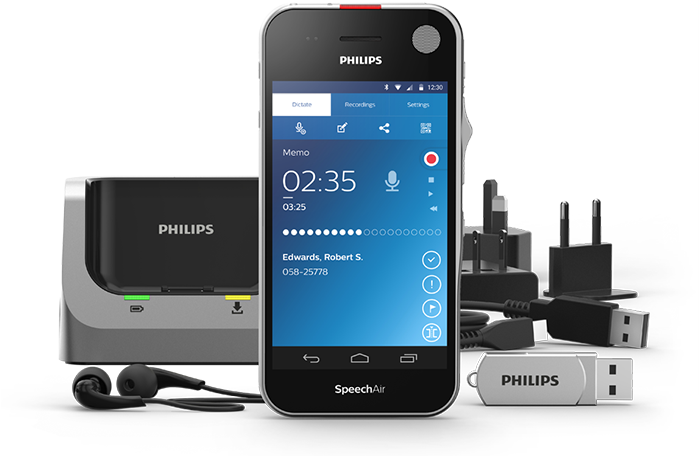
Your voice recorder comes with
- SpeechAir smart voice recorder
- Docking station
- In-ear headphones
- 2 USB cables
- Power supply with international adapters: US, UK, Europe, Asia Pacific
- USB stick containing user manual
- SpeechExec Pro Dictate dictation software (PSP1200)
- SpeechExec Pro dictation and speech recognition software (PSE1200)
- Philips SpeechAir management software
- Quick start guide
Enter your software serial number
The VoiceTracer Speech Recognition Software only works with Philips VoiceTracer Audio Recorders. To download the installation file, enter the serial number, then click Download.
Find your serial number
The serial number can be found on the quick start guide in the product packaging.
Device
- Slide switch type:
- International slide switch (record/stop/play/rewind)
- CPU:
- Dual Core Cortex-A9 1.6 GHz
- RAM:
- 1 GB DDR3
- Internal memory:
- 16 GB (12 GB available)
- Operating system:
- Android 4.4.2
- Color:
- dark grey pearl metallic and chrome frame
- Sensors:
- light sensor, motion sensor, optical proximity sensor
- Vibration module
- Antimicrobial surface
- Customizable function button
Dimensions
- Product dimensions (W × D × H):
- 62 × 127 × 15 mm / 2.4 × 5.0 × 0.6 inches
- Weight:
- 160 g / 5.6 oz
Connectivity
- Headphones:
- 3.5 mm / 1.4 inches
- Microphone:
- 3.5 mm / 1.4 inches
- USB:
- micro USB 2.0
- Wi-Fi:
- IEEE 802.11 a/b/g/n
- Bluetooth:
- 4.0
- Docking station connector
Display
- Type:
- IPS with 16 million colors
- Screen type:
- scratch resistant Gorilla glass touch screen
- Diagonal screen size:
- 10.16 cm / 4 inches
- Resolution:
- 480 × 800 pixels
Audio (supported by operating system)
- Recording format:
- AMR, ACC
- Playback format:
- MPEG (MP1, MP2, MP3), WMA, WAV, APE, OGG (OGG, OGA), FLAC, AAC (AAC, M4A)
Microphones
- Directional microphone:
- for speech recognition
- 360° microphone:
- for meetings and dictation
- MEMS microphone:
- for VoIP telephony
Philips dictation recorder app
- Recording modes:
- DSS Pro (DS2/mono), PCM Voice (WAV/mono)
- Bit rate:
- 28 kbit/s (DSS Pro), 256 kbit/s (PCM Voice)
- Edit modes:
- insert, overwrite, append
- Recording time:
- 1073 hours (DS2), 117 hours (WAV)
- Sample rate:
- 16 kHz / 16 bit
- Supported barcodes:
- Code 39, Code 93, Codabar, Code128, Code 25, Code 11, MSI-Plessey, EAN, UPC, QR code, Data Matrix
Speakers
- Speaker type:
- built-in rectangular dynamic speaker
- Dimensions front speaker:
- 6 × 12 mm / 0.2 × 0.5 inches
- Dimensions rear speaker:
- 11 × 15 mm / 0.4 × 0.6 inches
Camera
- Resolution:
- 5 Megapixels
- Autofocus
- Flash
- Image formats (supported by operating system):
- JPG, JPEG, BMP, GIF, PNG
- Video playback formats (supported by operating system):
- MPEG-1/2 (DAT, MPG, VOB, TS) up to 1920 × 1088 pixels (30 fps), MPEG4 (AVI, MKV, MP4, MOV, 3GP) up to 1920 × 1088 pixels (30 fps), DIVX (AVI, MKV, MP4, MOV, 3GP) up to 1920 × 1088 pixels (30 fps), Real Media (RM, RMVB) up to 1920 × 1088 pixels (30 fps), H.264 (AVI, MKV, MP4, MOV, 3GP, TS, FLV) up to 1920 × 1088 pixels (30 fps), MVC H.264 (AVI, MOV) up to 1920 × 1088 pixels (60 fps), VP8 (WEBM) up to 1920 × 1088 pixels (30 fps), VC-1 (WMV, ASF, TS, MKV, AVI) up to 1920 × 1088 pixels (30 fps), H.263 (3GP, MOV, MP4) up to 704 × 576 pixels (30 fps), Sorensen Spark (FLV) up to 1920 × 1088 pixels (30 fps), ON2 VP6 (AVI, FLV) up to 1920 × 1088 pixels (30 fps), JPEG (AVI, MOV) up to 1920 × 1088 pixels (30 fps)
Power
- Battery type:
- built-in rechargeable Li-ion battery
- Battery capacity:
- 2700 mAh
- Battery lifetime:
- up to 12 hours of recording (DSS QP mode)
- Standby time:
- up to 97 hours
- Charging time (full charge):
- approx. 3 hours
Docking Station
- Product dimensions (W × D × H):
- 82 × 77 × 56 mm / 3.2 × 3.0 × 2.2 inches
- Weight:
- 264 g / 9.3 oz
- LAN connection
- Kensington lock
- Removable magnetic inlay for use with case
Green specifications
- Compliant to 2011/65/EU (RoHS)
Operation conditions
- Temperature:
- -5° – 45° C / 23° – 113° F
- Humidity:
- 10 % – 90 %, noncondensing
Security
- Real-time file encryption
- Encryption standard (Philips dictation recorder app):
- Advanced Encryption Standard (AES) 256 bits
- Device lock with PIN code or password
- Configurable security settings with Software Development Kit (SDK) or configuration software
- Lockable settings
Package contents
- SpeechAir Smart Voice Recorder
- Docking Station
- In-ear headphones
- 2 USB cables
- Power supply with international adapters:
- US, UK, Europe, Asia Pacific
- USB stick containing user manual
- SpeechExec Pro Dictate Dictation Software (PSP1200)
- SpeechExec Pro Dictation and Speech Recognition Software (PSE1200)
- Philips SpeechAir Management Software
- Quick start guide
System requirements for Philips SpeechExec software
- Processor:
- Intel dual core or equivalent AMD processor, 1 GHz or faster processor
- RAM:
- 2 GB (32 bit)/4 GB (64 bit)
- Hard-disk space:
- 100 MB for SpeechExec software, 4.5 GB for Microsoft .NET Framework
- Operating system:
- Windows 10 (64 bit), Windows 8.1/7 (32/64 bit), Windows Server 2012 (64 bit), Windows Server 2008 R2 (32/64 bit)
- Graphics:
- DirectX-compliant graphics card with hardware acceleration recommended
- Sound:
- Windows-compatible sound device
- Browser:
- Internet Explorer 9 or higher, or the current version of Chrome or Firefox
- Free USB port
- Internet connection for required software activation
Additional system requirements for speech recognition software
- Supported speech recognition software:
- Nuance Dragon Professional 12.5/13/14/15 Individual/Group, Nuance Dragon Legal 12.5/13/14/15, Dragon Medical Practice Edition 2/3, Nuance Dragon SDK Client Edition 14
- Processor:
- Intel dual core or equivalent AMD processor, 2.2 GHz or faster processor
- RAM:
- 4 GB (32 bit)/8 GB (64 bit)
- Hard-disk space:
- 8 GB
- Operating system:
- Windows 10 (64 bit), Windows 8.1/7 (32/64 bit), Windows Server 2012 (64 bit), Windows Server 2008 R2 (32/64 bit)
Available accessories (optional)
- Philips SpeechAir case ACC1120
- Philips telephone pickup microphone LFH9162
- Philips meeting microphone LFH9172
- Philips SDK for dictation hardware LFH7475
Manuals and documentation
- Quick start guide English (8 MB)
- User manual English (8 MB)
- SpeechAir developer’s guide - App SDK English (535 KB)
- SpeechAir developer’s guide - Hardware SDK English (1.8 MB)
Software and drivers
- SpeechExec Dictation and Transcription Software
Check for updates
- Dictation recorder app
3.5.19
- DPMConnect for Mac
1.6.05
- Firmware
4.4.2.047.01 - for devices with serial number below 40000
- Firmware
4.4.2.047.02 - serial number starting from 40000
- SpeechAir management software
4.3.431.29 - Windows
Marketing & sales material
- Leaflet English (10.3 MB)
- Product brochure English (16.5 MB)